jQuery
Version: 3.1.1
A customizable JavaScript date picker for websites and apps. Let visitors select dates and date ranges in a calendar that fits your forms.
1. Link plugin library to your web page's resources
<head>
  <!-- datedropper lib -->
  <script src="datedropper-javascript.js"></script>
</head>2. Initialize plugin on a page element
<input id="myInput">

<!-- datedropper init -->
<script>new dateDropper('#myInput');</script>1. Link plugin library to your web page's resources
<head>
  <script src="https://code.jquery.com/jquery-3.3.1.slim.min.js"></script>

  <!-- datedropper -->
  <script src="datedropper-jquery.js"></script>
</head>2. Initialize plugin on a page element
<input id="myInput">

<!-- datedropper init -->
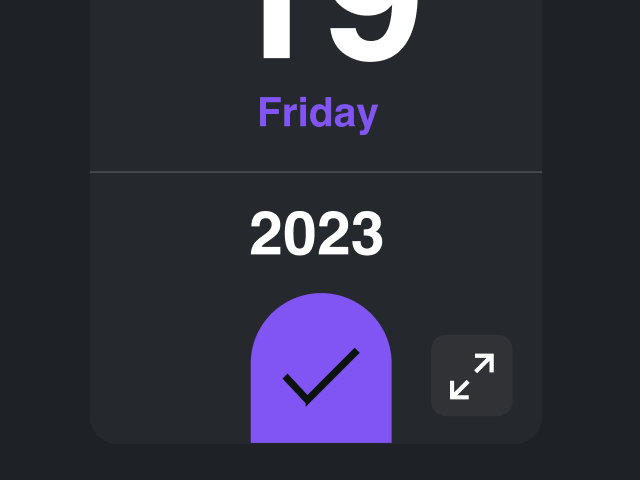
<script>$('#myInput').dateDropper();</script>Choose compact or expanded calendar views to give visitors the right amount of space for browsing dates.
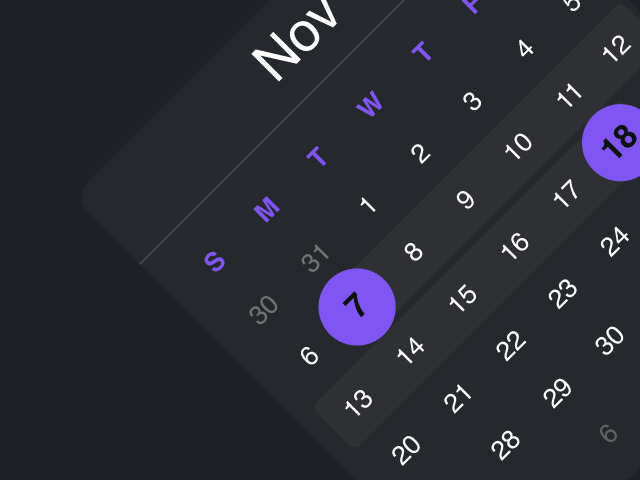
Select start and end dates in one calendar, ideal for hotel stays, trips and multi-day events.
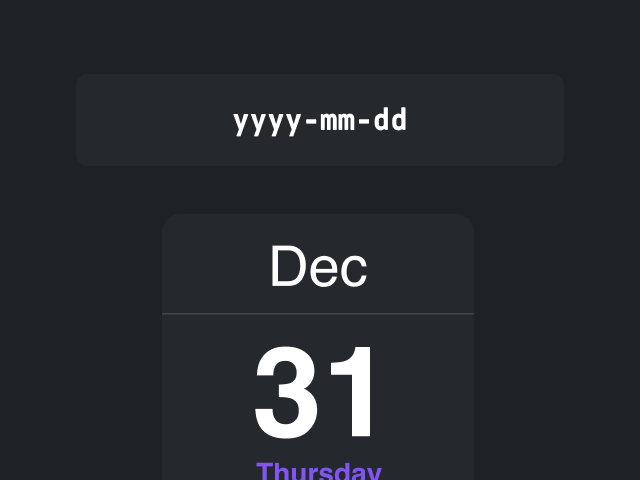
Set how selected dates appear in the input to match your audience and form requirements.
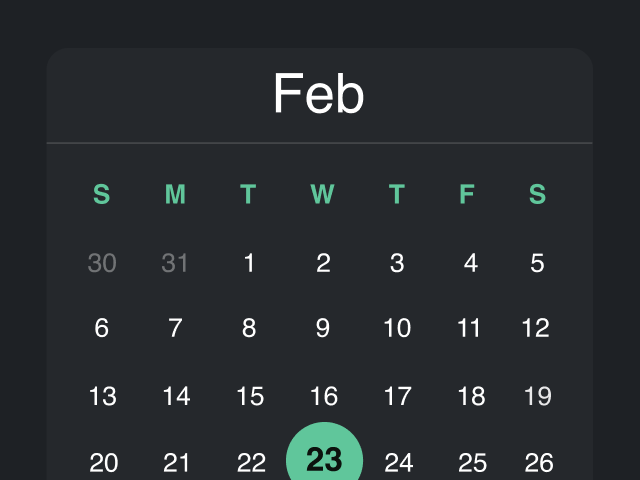
Keep the calendar visible on the page or open it from an input for a more compact form.
Keyboard controls, focus management and labeled actions support different ways of choosing dates. Flexible placement helps the calendar fit your layout.
Open the calendar, move between dates and make a selection using the keyboard.
Managed focus helps keyboard users follow the calendar interaction and identify the active control.
The calendar adjusts near screen edges to help keep dates and controls visible.
Choose how the calendar aligns with its input to suit the available space in your form.
Labeled controls help screen readers identify calendar actions and guide users through date selection.
Choose the version that fits your project, or try the configurator to explore its options.
Version: 3.1.1
Version: 2.0.0
38.8k downloads 😍

JavaScript time picker for scheduling and forms

Rich text editor for editing directly on the page

Calendar button for websites and events